
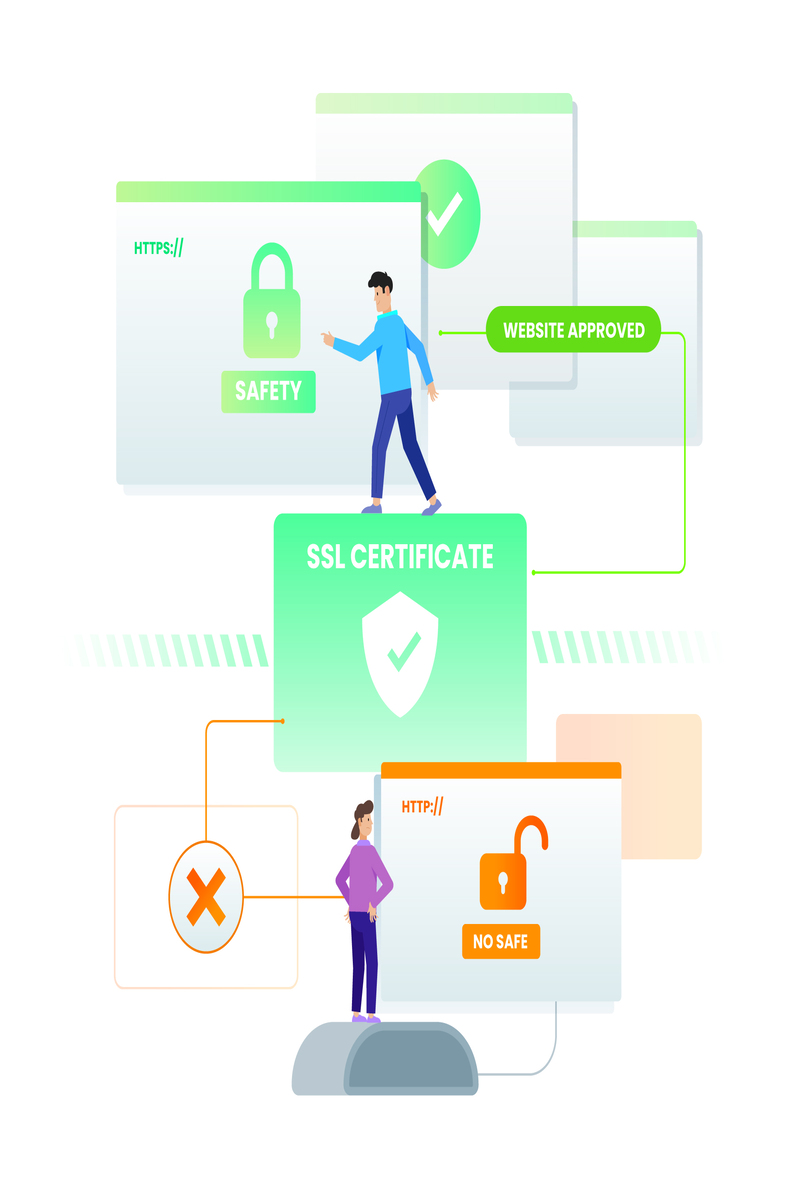
What is Two Way Authentication – Intro, Background &
Step-by-Step Guide
Introduction
In today’s era where everyone relies on their mobile, email,
banking or social media accounts, the biggest concern is account security. You
must have heard the news many times that someone’s Facebook was hacked or
someone stole money from their online bank account. In such situations, a
question always comes up that how safe can we make our digital life?
Here comes a great solution called Two Way Authentication or
in common language Two-Factor Authentication (2FA).
I remember when I first set up 2FA in my Gmail account, it
felt a little strange at first. I was thinking that entering the code every
time would be a hassle, but then when I felt the difference in security, I was
grateful that this feature was there.
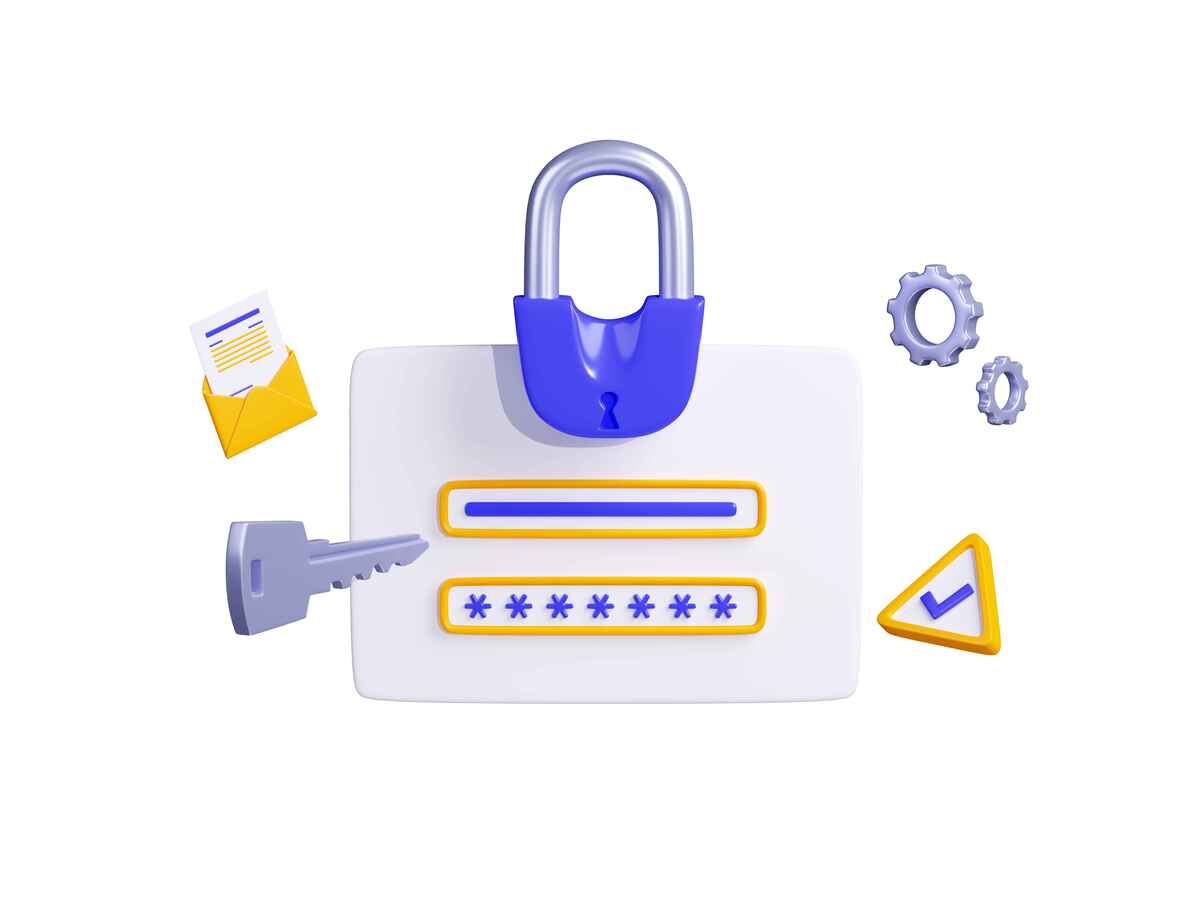
What is Two Way Authentication?
In simple words, it is an additional layer of security that
is added after your password. That is, even if someone knows your password,
they will not be able to use your account until they pass the second security
level.
First level = Your password
Second level = A Unique Code or some other Verification
method
Think of it as if there is not just a key to the door of
your house, but also a lock code. Even if someone gets the key, they cannot
enter unless they know the code.
Why is this important?
We all know that it is not difficult to get a password
leaked or guessed. People often use the same password everywhere, such as
“123456” or “password”. Such passwords are a toy for
hackers.
Two Way Authentication is a kind of “second gate”,
which prevents the hacker from moving forward.
It protects your emails.
It protects online banking.
It reduces the risks of social media hacking.
And most importantly, it gives you peace of mind.
How does Two Way Authentication work?
Now you must be wondering how this system actually works. So
let’s see it step-by-step.
Step 1: Enter Password
First you type your username and password. This is the first
security gate.
Step 2: Second Verification
Now comes the real magic. The system asks you for another
piece of evidence:
Code on SMS
Code from an Authenticator App (like Google Authenticator)
OTP on Email
Biometric Verification (Fingerprint or Face ID)
Step 3: Account Access
Only when this second step is successful, you can log in to
your account.
Personal Experience
Once a friend of mine was saying: “Dude, it’s so boring
to enter the code every time.” I said to him, “Think about it, if
your bank account password gets leaked? Would you want someone to take out all
your savings without the code?” After that, he immediately agreed to 2FA.
Benefits of Two Way Authentication
Strong protection against hacking – more secure than a
password alone.
Sleep peacefully – thinking that the account is doubly
protected.
Free and Easy – Available on most platforms for absolutely
free.
Multi-device Support – Easily used on mobile, laptop, tab.
Where to
find Two Way Authentication?
Almost every major service has this feature:
Google / Gmail
Twitter (X)
WhatsApp Web
Online Banking Apps
Cloud Storage Services (Dropbox, OneDrive, Google Drive)
Step-by-Step Example (Setting up 2FA on Google Account)
Log in to your Google Account.
Go to Security Settings.
Enable “2-Step Verification”.
Enter your mobile number.
Verify the code via SMS or Call.
Done ✅
Now even if someone knows the password, they can’t log in
without the SMS code.
Possible Downsides (but there are solutions)
Time Consuming: Have to enter the code every time →
Solution: Use an Authenticator App that gives the code immediately.
Mobile Lost: What if the phone is lost? → Solution: Save
Backup Codes or provide an Alternative Email.
No Internet: Sometimes the SMS arrives late → Solution:
Offline Authenticator Apps are very helpful.
Conclusion (Summary of Part 1)
Two Way Authentication is no longer an option but a
necessity. It’s like putting double locks on your house. In today’s age of
hackers, relying on a single password is like putting yourself at risk.
Trust me, once you get used to 2FA, it will seem like a
normal part of everyday life. And yes, you will also get peace of mind that
your data is safe.
Part 2: What is Two Way Authentication – Features, Issues
and Solutions
Key Features After Update
Two Way Authentication has received a lot of updates in the
last few years, and these features make it more secure and convenient.
Biometric Authentication
Now most systems do not rely only
on SMS codes but also use fingerprint or Face ID.
Authenticator Apps Integration
Apps like Google
Authenticator and Microsoft Authenticator have made 2FA more smooth. They also
generate one-time codes offline.
Backup Codes
After the update, many services give users
backup codes so that login is possible even if the phone is lost.
Push Notifications
Now the user receives a push
notification on the mobile which can be accepted or denied, it is more secure
than SMS.
Hardware Keys (YubiKey, Titan Key)
These are physical
devices that provide an additional protective layer.
Common Problems that Users Face
Now let’s talk about the problems that users often face
while using What is Two Way Authentication.
Lost or damaged phone:
The biggest problem is that when the
user’s mobile is not available, he/she is not able to login.
SMS Delay or Failure:
Many times the SMS OTP comes late or
does not come at all, especially in international roaming.
Technical Complexity:
Some people find additional steps
difficult and get annoyed.
Authenticator App Sync Issue:
It can be difficult to access
codes when the phone is reset or reinstalled.
Accessibility Issues:
Elderly or people with less technical
knowledge are not able to adopt 2FA.
Solutions to these problems
If there are problems, there are also solutions, and this is
what makes 2FA reliable.
Save Backup Codes
Always save the backup codes of your
account.
Set up on multiple devices
don’t just have one phone, try
setting up a tablet or another mobile as a backup.
Authenticator App is better
Use an Authenticator App
instead of SMS OTP as it is more reliable.
Contact Customer Support
Most platforms offer recovery options
if your access is blocked.
Buy a Hardware Key
If you use sensitive accounts (like
bank or work email), it is best to have a device like a YubiKey.
Conclusion
In the end, it can be said that What is Two Way
Authentication is the most important security requirement of today. Hackers are
getting smarter by the day, so relying on passwords alone is not enough.
Although it has some problems, there are solutions to them. If used correctly,
2FA makes your digital accounts many times more secure.