
first, I thought it was some coding language that only pros use, but when I
started learning, I realized that HTML is actually the basic framework of any
website.
Let me explain to you in
simple words what HTML is, how it works, and how you can learn it.
🧱 Humanized Start: Think of building a building…
Think if you are
constructing a building. You first have to build a structure — walls, roof,
windows, etc. Similarly, when we build a website, we build its structure using
HTML.
HTML means:
HyperText Markup Language
This language tells the
browser what to display on a page — text, images, buttons, headings, links, etc.
📝 Humanized Example: A Simple HTML Page
I constructed my first HTML
page as follows:
<!DOCTYPE html>
<html>
  <head>
    <title>Mera Page</title>
  </head>
  <body>
    <h1>Assalamualaikum!</h1>
    <p>Yeh mera pehla web page hai.</p>
  </body>
</html>
You will notice that this
code looks like any normal document, but the browser interprets it and displays
it like a website.
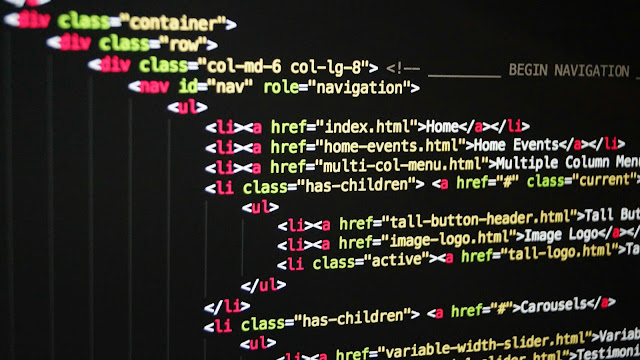
📌 Basic Concepts Every Beginner Should Know
These are the things you
must know if you want to learn HTML:
1. Tags
In HTML, content is written
inside tags. Like:
- <h1> – Headings
- <p> – Paragraphs
- <a> – Links
- <img> – Images
Every tag starts and ends:
<p>Yeh ek paragraph hai</p>
2. Attributes
There are attributes inside
the tags to provide additional information:
<a href=”https://example.com”>Visit Website</a>
that specifies the link.
📷 Humanized Tip: Create an image website?
If you are creating a
travel blog, then you will also want to add images:
<img src=”beach.jpg” alt=”Beach ka view”>
Here the browser gets the
location of the image from the src, and alt is used for accessibility.
📑 How to create an HTML file?
This is very simple. I also
did not know this before:
Step-by-Step:
- Open Notepad (or any text
editor) - Write the code (as given
above) - Save the file as index.html
- When you double-click the
file, the browser will display it.
💡 Humanized Tip: Practice Website
I think the best idea for beginners is to create a sample website of their own. In this you add:
- Heading
- 2 Paragraphs
- 1 Image
- 1 Link
… all these.
You will notice that your
confidence will automatically increase.
🔗 Links and Navigation Bar
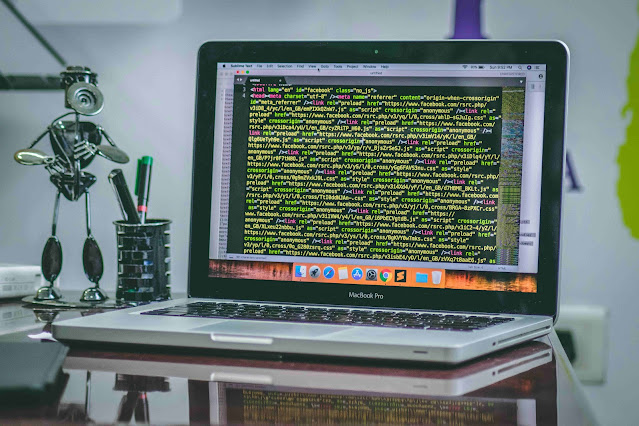
How to create navigation on
a website? For that you use ul, li and a tags:
<ul>
<li><a href=”home.html”>Home</a></li>
<li><a href=”about.html”>About</a></li>
</ul>
Here’s how to generate a
simple menu.
🎨 Is HTML boring without CSS?
To be honest, HTML used to seem very boring to me, but when I started using CSS, all designs became attractive. HTML gives structure, CSS does styling.
For example:
But this style attribute is
only temporary – the actual styling is done by the CSS file.
💻 Real Tools That I Use
These are some tools that I
personally used to learn HTML:
- Visual Studio Code – the
best editor - W3Schools.com – free
learning resource - CodePen.io – for live practice
- You may host your HTML
creations for free using GitHub Pages.
If you try these tools,
then you will also start enjoying HTML and web development.
🌐 Humanized Thought: What is the benefit of learning HTML?
I think every student
should know basic HTML, why?
- You can create your own
portfolio website - You can get freelancing
projects - You can create email
templates in digital marketing - You can customize WordPress
theme
This is a digital skill
which is useful in every field.
📊 How HTML Works with Browser?
Your browser (Chrome,
Firefox) reads HTML and displays it on the screen. As soon as you open
index.html:
- The browser reads the tags
- Layouts text, images, links
etc. - Makes it interactive using
CSS and JS
🧠 Humanized Summary: Remember the key things
- HTML = Website skeleton
- Tags and attributes are
basic blocks - The browser reads the HTML
code - Website comes alive with
CSS and JS - You can learn HTML without
any paid course
✅ Final Thoughts – Learning HTML is not difficult
When I started learning
HTML, I used to think that this is only the work of coders. But when I made the
first “Hello World” page, my confidence skyrocketed.
If you are also thinking
that “what is HTML in simple words”, then now every aspect must have become
clear to you.
Just do one thing – open
notepad, and create your first web page. Start practicing from today, tomorrow
you too can become a web developer!
For beginner-friendly content, you can explore our homepage where every topic is explained in easy to understand ways.
🗣 FAQs – What is HTML in Simple Words
Q1: What is HTML used for?
HTML creates the layout of any web page – headings, paragraphs, images, buttons etc.
Q2: Is HTML a programming language?
No, HTML is a markup language. The goal of this component is to provide the webpage structure.
Q3: Do you need coding skills to master HTML?
Absolutely not. It is perfect for beginners, you can start even with zero coding knowledge.
Q4: What is the difference between HTML and CSS?
HTML presents structure, while CSS takes on design and styling
Q5: Can you earn money from HTML?
Yes. HTML is very useful in freelancing, blogging, email design, website customization.