
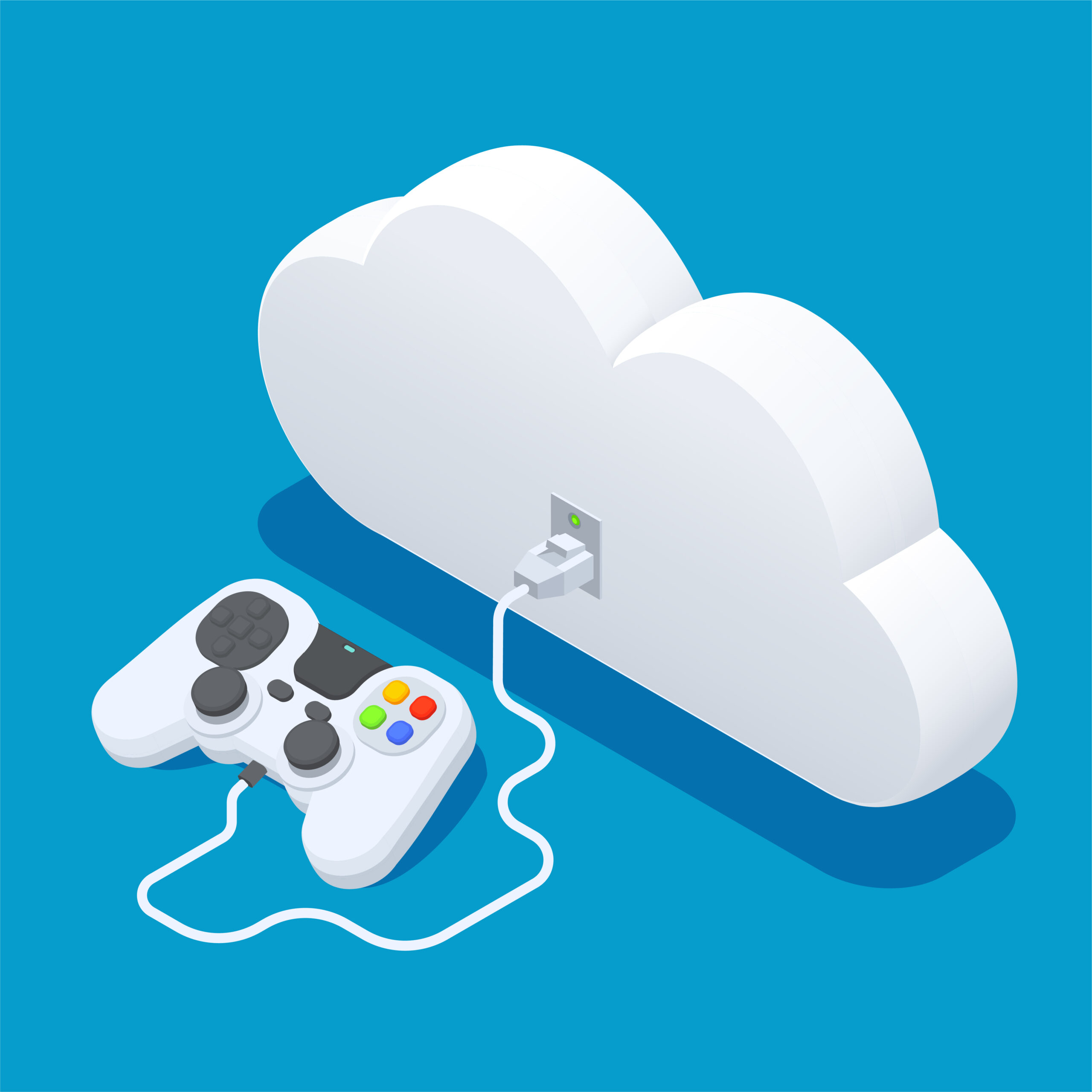
Part 1: What is Cloud Gaming on Xbox – Intro, Background
& Step-by-Step Guide
What is Cloud Gaming on Xbox – Introduction and Background
“Cloud Gaming” is a word that has become very popular in the
gaming world in the last few years. Xbox Cloud Gaming in particular has given
gamers a new way where you no longer need heavy consoles or expensive PCs. All
you need is a good internet connection, a compatible device and Xbox Game Pass
Ultimate and you can sit anywhere and play top-quality games.
I remember when I first heard about cloud gaming, honestly
the question that came to my mind was “Man, how is this possible?” Because as a
child, we always had to buy CDs or DVDs, then install them on the console or
PC. But today the scenario has completely changed.
How does Cloud Gaming work?
Suppose you are watching a movie on Netflix. You do not have
that movie physically, nor have you downloaded it. You just press play and it
starts streaming over the internet. Cloud Gaming also works on the same concept.
Powerful machines are installed on Xbox servers that run the
game. When you play a game, that game is actually running on the server and
your device is just receiving the live stream. In this way, your mobile,
tablet, laptop or even smart TV also becomes a gaming console.
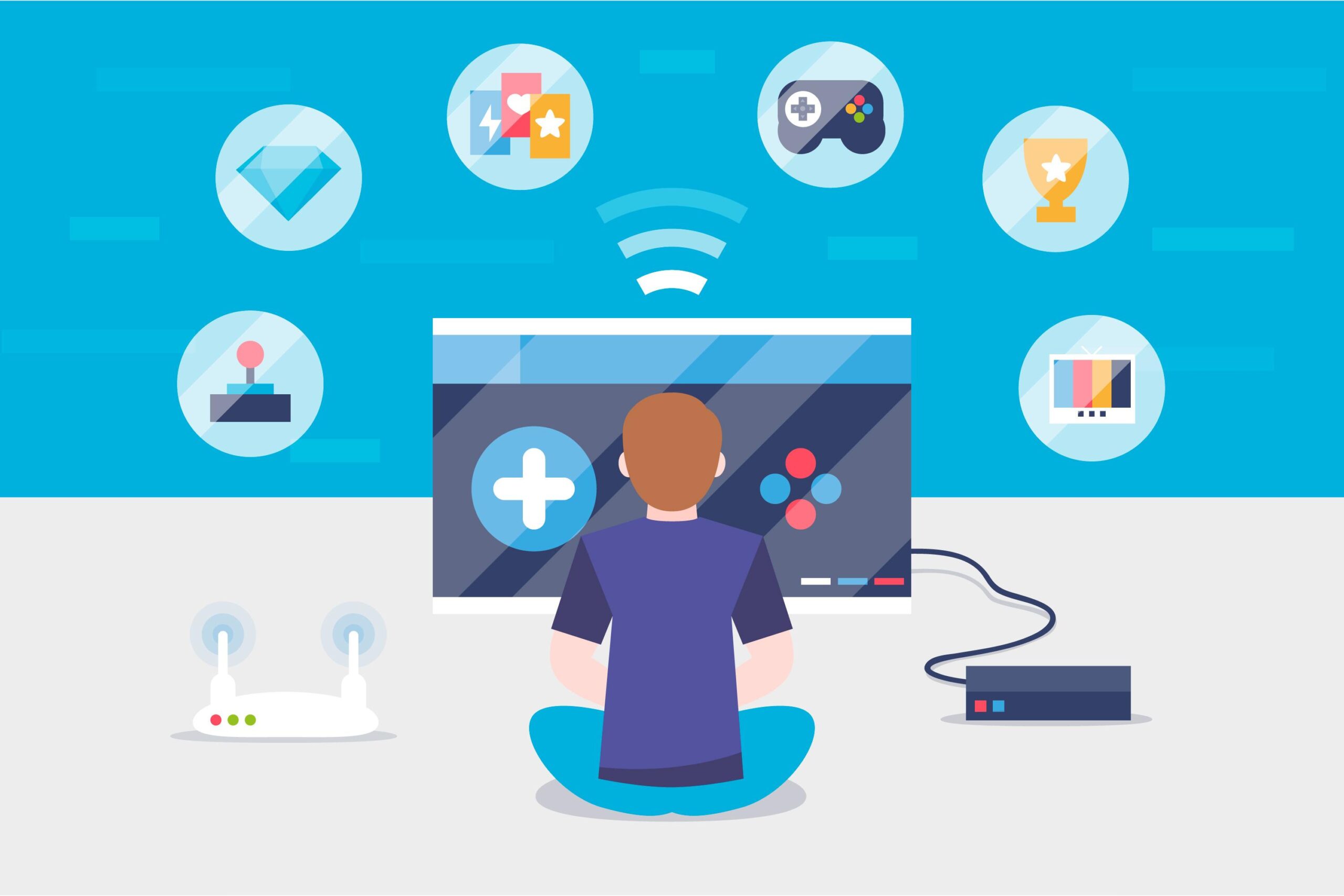
Benefits of Xbox Cloud Gaming
No Heavy Hardware Needed
You don’t need to buy a high-end console or PC. Just a
stable internet is enough.
I think this feature is especially useful in countries like
Pakistan where consoles are very expensive.
Play Anywhere
Whether you are traveling or at a friend’s house, you can
access your Xbox Cloud Gaming anywhere.
Instant Access
No hassle of installation or updates. Just click and start
playing.
Xbox Game Pass Ultimate
With one subscription, you get 100+ top games instantly.
How to Start Xbox Cloud Gaming? (Step-by-Step Guide)
Step 1: Buy Xbox Game Pass Ultimate
Cloud Gaming is only available with Game Pass Ultimate. You
can subscribe from Microsoft’s website or Xbox app.
Step 2: Prepare a Compatible Device
Mobile (Android/iOS)
Laptop/PC
Smart TV
You can even do cloud gaming on your Xbox console.
Step 3: Install the App or Open a Browser
On Mobile: Download the Xbox Game Pass app.
On PC or Laptop: Open the Chrome or Edge browser and go to
the Xbox Cloud Gaming website.
Step 4: Connect a Controller
Connect a Bluetooth controller (Xbox or compatible).
Some games also work with touch controls.
Step 5: Login and start playing
Use your Microsoft account and that’s it, the entire library
will open in front of you. Choose and start playing.
Personal Experience
I remember this moment. One night I was sitting with friends
and we thought we’d play Halo. I didn’t have a console available at the time. I
quickly opened Xbox Cloud Gaming on my laptop and the game was up and running
in literally seconds. Honestly, the experience was like playing on a high-end
gaming PC. There was a bit of internet lag, but it was playable.
Requirements for Cloud Gaming
Internet Speed: Minimum 10Mbps, but the experience is best
at 20Mbps+.
Latency: The lower the latency, the better.
Controller: Bluetooth or wired Xbox controller.
There are limitations too…
If the internet is weak, the game starts to lag.
High-resolution (4K) is not yet available everywhere.
Not every game runs smoothly with touch controls.
I honestly think that this technology is not yet fully
mature, but in the future it will completely change the gaming industry.
Part 2: What is Cloud Gaming on Xbox – Features, Updates,
Problems & Solutions, FAQs
New Features and Updates of Xbox Cloud Gaming
Over time, Microsoft has improved Xbox Cloud Gaming.
Earlier, only a beta version was available, but now it is becoming a fully
polished platform. I personally found these changes quite noticeable:
Touch Controls Expansion
Earlier, most games did not run without a controller. But
now many popular titles are available with touch controls.
Example: Minecraft Dungeons and Forza Horizon are also
playable on touch.
Game Streaming in 1080p
Initially, there was only 720p streaming. Now you can play
games at 1080p and 60FPS.
I remember, there was a chance to stream 1080p, the games
were running on the cloud.
Smart TV App
Now there is a direct Xbox Cloud Gaming app on some smart
TVs (Samsung etc.) This means you can play on your TV without a console or PC.
Cross-Save & Cross-Play
You can start a game on your console and then continue on
your mobile. This takes the seamless gaming experience to the next level.
Common Problems with Xbox Cloud Gaming
No new technology comes without problems. There are some
common issues in Cloud Gaming that users often have to face.
Internet Lag or Latency Issues
The biggest problem is internet speed.
If the Wi-Fi is weak or the latency is high, then the game
play starts to feel slow.
Controller Connection Issues
Sometimes the Bluetooth controller does not connect
properly.
This problem is especially seen on mobile.
Limited Games with Touch Controls
Not every game runs on touch. Due to this, it can be
difficult for new gamers.
Not Available Everywhere
Xbox Cloud Gaming is not officially available in some
countries yet.
It has not officially come to Pakistan either, but people
use it with a VPN.
Solutions – How to Handle?
Optimize the Internet
If possible, use a wired connection instead of Wi-Fi.
Be sure to do an Internet speed test to ensure that at least
20Mbps is available.
Fix the controller issue
Reset Bluetooth.
If the issue persists, connect a wired controller.
Play Touch Control Friendly Games
Select games that are specially optimized for touch.
Use VPN (if not available)
Xbox Cloud Gaming can be accessed through a reliable VPN.
Personal Tips and Experience
My honest opinion was that cloud gaming would not be
possible in Pakistan because the internet is often unstable. But when I tested
it, I found that the service is usable even with some compromises. For example,
PUBG was difficult to play on the cloud, but Forza Horizon was surprisingly
smooth.
Conclusion – Is Cloud Gaming the Future?
I think Bosch Cloud Gaming, under this technology, will
completely change gaming in the future. Imagine, you don’t need expensive
hardware, just a good internet and you have the entire Xbox library available.
Yes, there are challenges right now like internet latency
and limited availability, but Microsoft is constantly bringing updates. It is
also good that people in Pakistan are not using it and gradually adopting it is
increasing.
thinking if in the future every mobile phone and TV has
cloud gaming built-in, then the need for consoles will disappear. I honestly
believe this is the next revolution in the gaming world.