
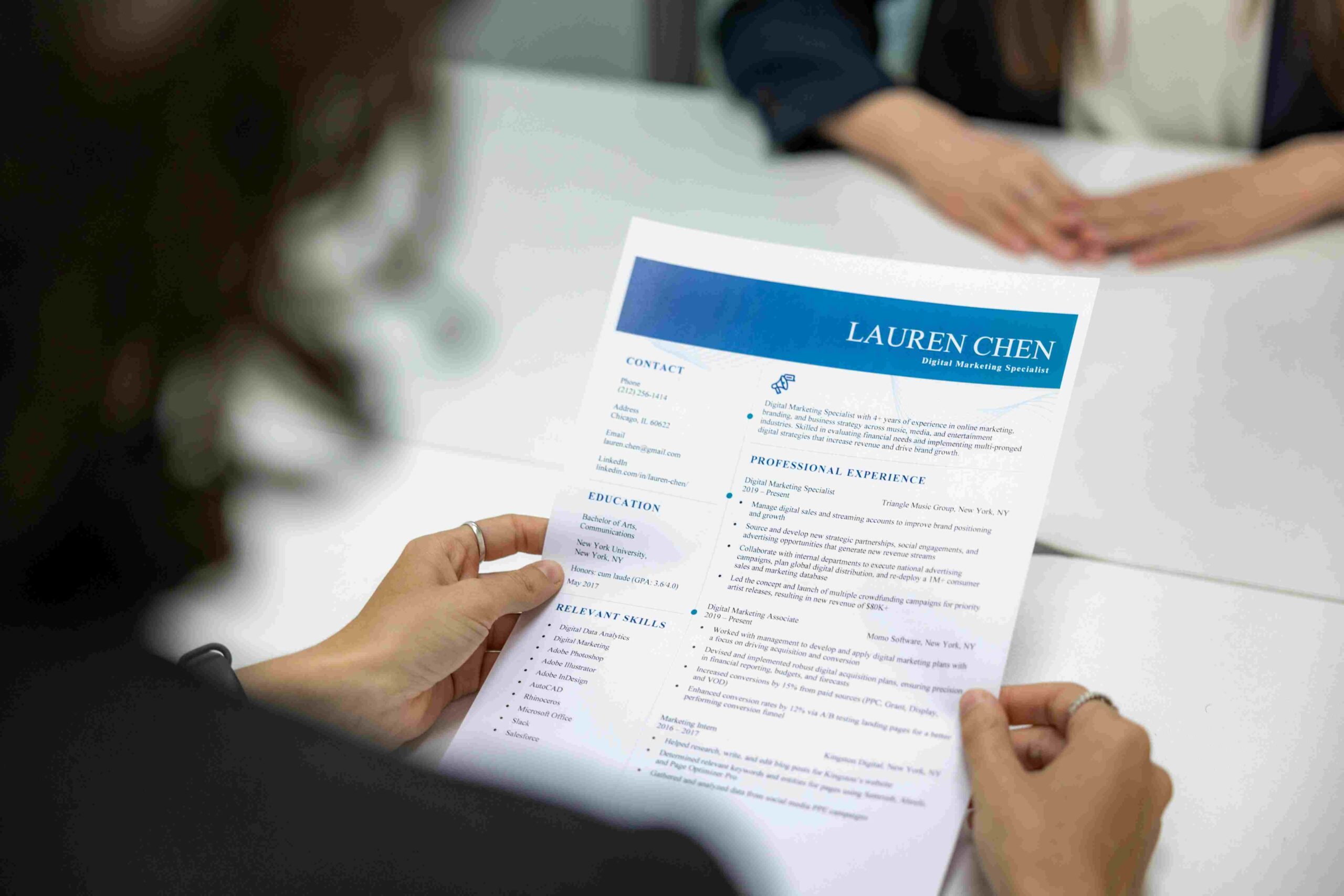
Have you ever wondered how much an attractive resume can
increase your chances of getting a job? From my own experience, I have found
that a good resume not only showcases your skills but also your
professionalism. I have used several free online resume builders myself and
today I will share my experiences with you.
Why is a resume important?
I believe that a resume is the first step in getting any
job. I have found that on an average, an HR manager spends only 6-7 seconds on
each resume. Therefore, it is very important that your resume is attractive
enough that they are impressed with your skills in that short time.
Common Resume Creation Mistakes
I have noticed that most people fall prey to these mistakes:
Resumes that are too long
Incorrect formatting
Spelling mistakes
Irrelevant information
Outdated information
Best Free Online Resume Builders of 2024
Canva – The Most Versatile Tool
Canva is my personal favorite. I have been using it myself
for several years. Its biggest advantage is that it has hundreds of
professional templates.
Why use it?
500+ free templates
user-friendly interface
collaboration features
mobile app available
My personal experience: I created my first resume through
Canva and I was called for my first job interview.
NovoResume – Best for Beginners
NovoResume is really great for beginners. I recommended this
tool to my brother.
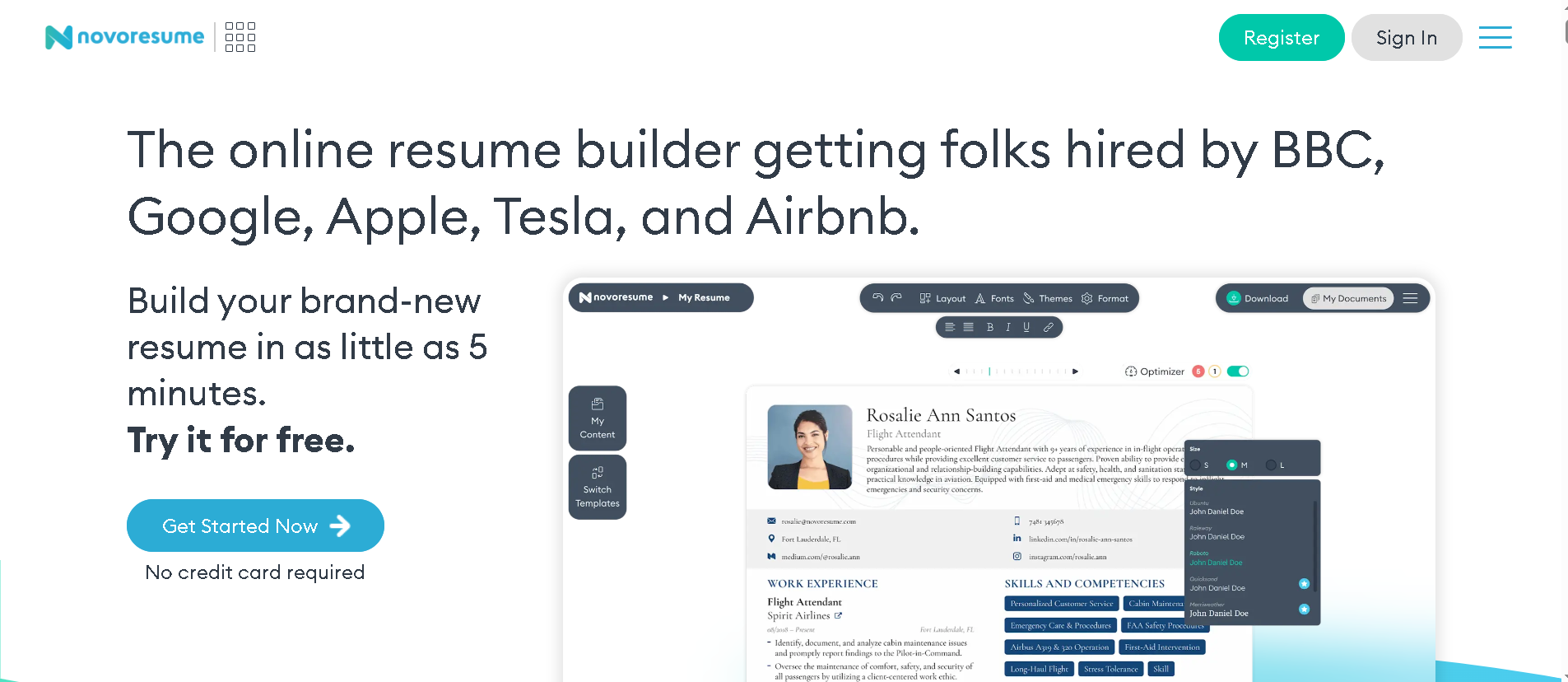
Special Features:
ATS-friendly templates
real-time content suggestions
export to PDF
cover letter builder
Zety – best for professionals
Zety is the ideal choice for those seeking a professional
resume. I used it for my last job.
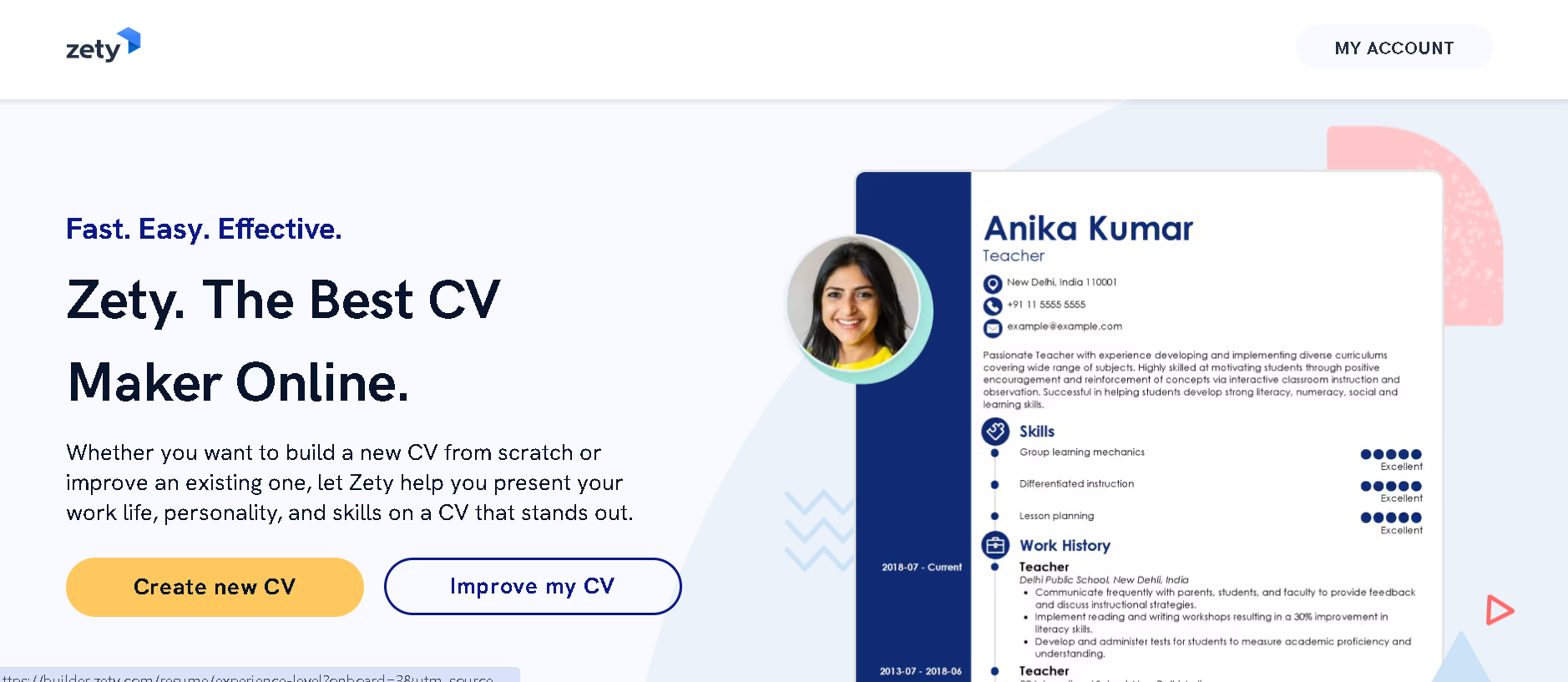
Reasons to choose:
industry-specific templates
content customization
matching cover letters
18+ languages
Google Docs Templates – simplest option
If you don’t want a heavy tool, Google Docs’ free templates
are the best.

Why use it?
Completely free
cloud-based saving
collaboration possible
Easy to use
Resume.com – quick solutions
This tool is best for those who want a quick resume.
Features:
quick setup
basic templates
instant download
mobile friendly
Tips for creating a free resume
Choosing the right template
I think choosing a template depends on your industry
Colorful templates are better for creative fields while simple templates are
better for corporate jobs.
Use keywords
I have noticed that ATS system scans keywords. So make sure
to include the keywords given in the job description.
Short and concise
I believe that a resume should not be more than 1-2 pages. I
myself focus on one page.
Keep it updated
Regardless of my job search, I make changes to my resume
every 6 months.
Proofreading is essential
I always read my resume 2-3 times and also get a friend to
check it.
Benefits of premium features
Although the free versions are sufficient, there are some
benefits of premium features:
More templates
Advanced customization
PDF without watermark
Cover letter templates
My personal experiences
I have tried different tools in my career. I made my first
resume with Google Docs. Then I switched to Canva and now I use Zety. Each tool
has its own benefits.
More useful tools
LinkedIn Resume Builder
LinkedIn’s own resume builder is very useful. I like it
because it can automatically pull information from your LinkedIn profile.
CVmaker
This tool is great for those who want traditional CVs. I’ve
used it for externship positions.
Resume Genius
The best thing about this tool is that it gives you
step-by-step guidance. I recommend this tool for beginners.
Additional tips for creating a resume
Focus on simplicity
I believe that a good resume should be clean and organized.
I always use simple fonts.
At least one page
I’ve found that a one-page resume is the most effective. If
you have less than 5 years of experience, one page is enough.
Up-to-date information
I always make sure my resume is up-to-date. I remove old
jobs and skills.
Final tip
My personal advice is to try different tools and see which one works best for you. I used to use Canva myself but have now switched to Zety.
Any questions can be asked through comments. I will reply myself!
“See a complete comparison of the best free online resume builder tools on our website and learn how to create a professional resume.”