
Step 4: Study Ad Copy & Landing Pages
Look, everyone does keyword analysis, but looking at the ad
copy and landing page is most important.
I’ve noticed that successful competitors follow the same
formula:
A clear benefit in the headline
A trust element in the description (e.g., “Trusted by
10,000+ businesses”)
Urgency in the CTA (e.g., “Try Now,” “Limited
Offer”)
You should also click on your competitor’s ad and note the
layout of their landing page.
See what color their CTA button is, whether they have
testimonials, and whether their page loads fast.
Step 5: Find Their Weakness
Let me tell you a pro trick here 
You should attack your competitor’s weak points, not their
strong points.
Example:
If their ad offers “Free Consultation,” but the
landing page is slow—write “Instant Free Consultation — No Waiting
Time!” in your ad.
It’s a small change, but it can make a difference in
conversions.
Practical Example – How I Used It
I remember running a campaign on the keyword “Website
SEO Services.”
My competitor wrote: “Affordable SEO Services – Start
at $99.”
I noticed that people were attracted by the price. So I
wrote:
“Affordable SEO Audit – Just $49, Limited Time!”
CTR increased 2x, and conversions improved.
This is where I realized that competitor observation is a
silent teacher.
Bonus Tip: Free Competitor Clues from Keyword Planner
Go to Google Keyword Planner and write down your keywords.
Related keyword ideas are found where the
“Competition” column says “High”—this means your
competitors are also targeting that keyword.
All you need to do is analyze their ad copy for those
keywords.
Conclusion—This game isn’t about copying, it’s about understanding.
Competitor analysis doesn’t mean copying their ads.
It’s an art—understanding their strategy and using it to
create a better version for your brand.
To be honest, since I’ve incorporated competitor analysis
into my workflow, my campaign results have improved dramatically.
So if you’re serious about Google Ads, don’t ignore the
Google AdWords Competitor Analysis free tools.
The data is available for free—use it smartly!
Part 2: Google AdWords Competitor Analysis Free – Advanced
Features, Common Problems & Real Tips
1. Latest Features After Google’s Updates
Look, the Google Ads system is updated every few months, and the competitor
analysis tools are evolving as well.
I think that while we previously saw limited data, the free Google AdWords
competitor analysis tools have now added quite advanced features.
Let me tell you about some updated features 
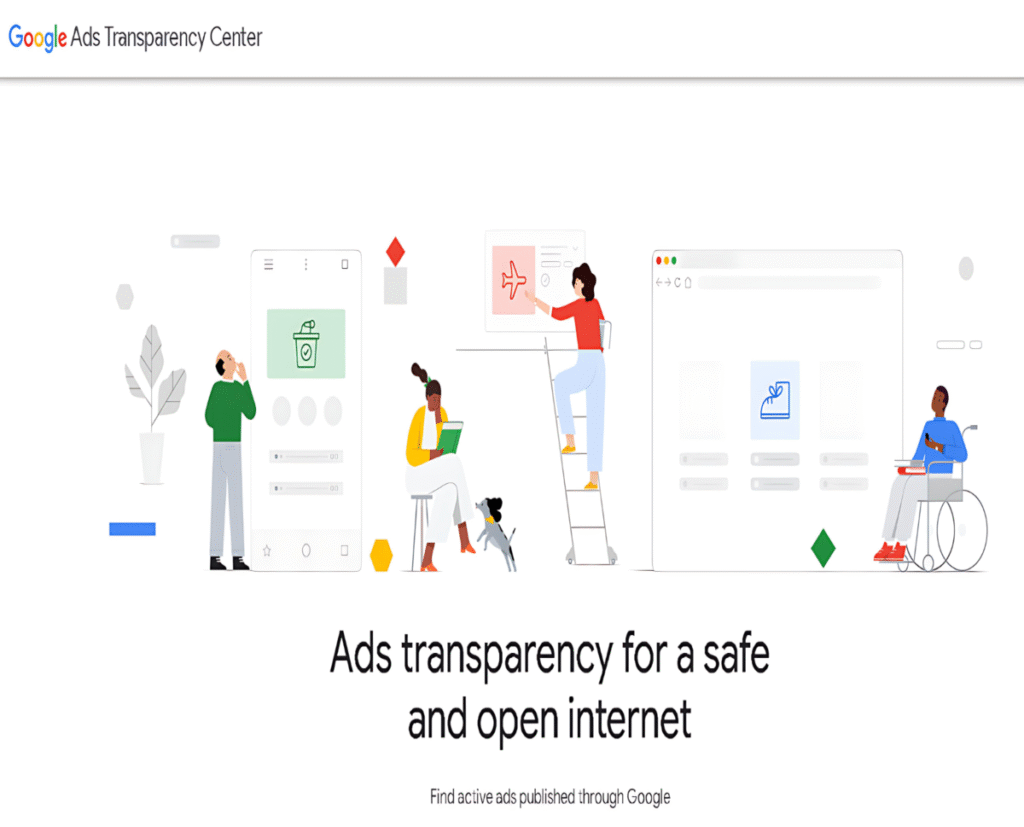
1. Ad Transparency Center:
This is a new feature where you can type in any advertiser’s name and see all
their active and past ads.
Without committing to a paid plan, you can see firsthand what their message is
and what products they’re focusing on.
2. Enhanced Keyword Insights:
Google now shows competition trends along with CPC (cost per click) and search
volume.
Imagine, previously we had to guess which keywords a competitor was spending heavily
on—now this data is clearly visible.
3. Ad Preview Tool:
This is an underrated tool, but I personally use it.You can check the ad preview on any keyword without wasting any effort.
This gives you an accurate idea of where your competitor’s ad is showing.
2. Common Problems People Make (And Solutions)
Okay, let me be honest—people often make three major mistakes in competitor
analysis.
Let’s examine each one separately.
Problem 1: Focusing Only on Keywords
Many marketers don’t understand the intent and only look at the keywords of
their competitors. Solution:
Look at their competitor’s keywords, as well as their ad copy and landing page.
See what their goal is—sale, signup, or awareness?
Then optimize your ad accordingly.
Problem 2: Attempting to Copy
I’ve witnessed novices just copy and paste advertisements from rival
businesses.
However, Google’s branding and algorithm both value uniqueness.
Solution: Take cues from the copy of your rivals while keeping your own tone
distinct.
For instance, you could write “Instant SEO Health Check – Free in 1
Minute!” if their headline reads “Get Your Free SEO Report.“
See? Same message, but a new style.
Problem 3: Analyzing but Not Taking Action
Many people get bored with analyzing. They download reports, but don’t
implement them. Solution:
I follow a simple 3-step routine:
Note down each competitor’s top 3 keywords
Get a creative idea from each ad
Test it in your ad (A/B testing)
Just collecting data isn’t enough—applying that data is the secret to success.
3. Tools You Must Try (Free Versions That Actually Work)
I’ve personally tested over 20 tools, but these 5 tools I found to be the most
practical—and the free versions of all are quite useful.
1. SpyFu:
The most reliable tool for PPC competitor analysis.
The free version gives you top keywords, ad examples, and traffic estimates.
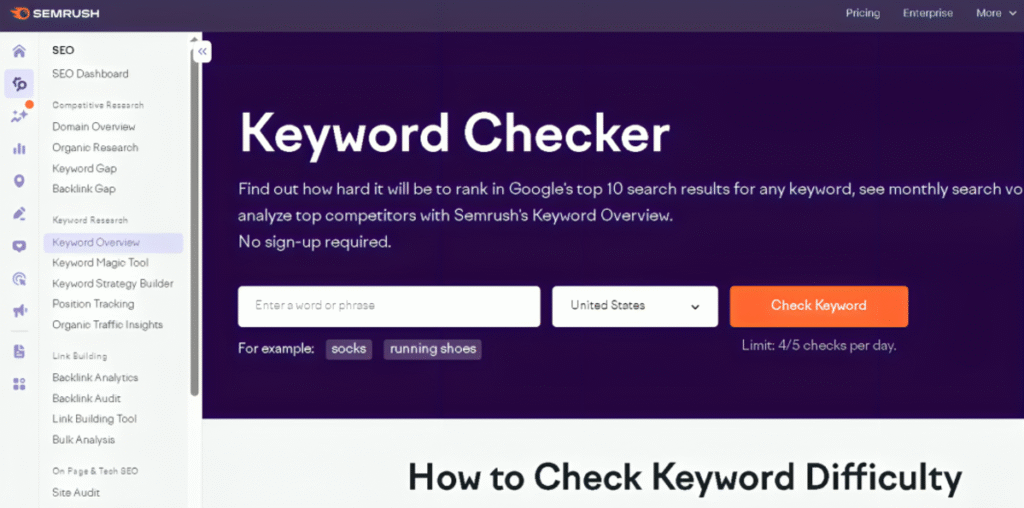
2. Free Mode SEMrush:
It offers comprehensive keyword and ad performance charts, but it has few
queries.
3. SERanking Free Demo:
You can view the CTR of keywords and competitor ads.
4. Google Ads Transparency Center:
Completely free, and Google’s own platform—no third-party.
5. Ubersuggest by Neil Patel:
Provides a free keyword overview, with CPC and difficulty.
I honestly use this combination—I don’t rely on any single tool.
4. Actual Example: When I applied it to a customer
I once worked with a client who ran advertisements for a “Digital
Marketing Agency in Dubai.”
Their low conversion rate and extremely high CPC were the issue.
I used SpyFu and Transparency Center to examine the advertisements of their
rivals.
I noticed something—the competitors were using “Free Consultation” in
their headlines, but the landing page was slow.
I wrote “Instant Free Consultation – Get an Expert in 30 Seconds” in
the client’s ad.
Result?
CTR increased from 3.8% to 7.1%, and cost-per-click decreased by 20%.
This example is proof that smartly using competitor data translates directly
into profit.
5. Bonus: Free Daily Competitor Check Routine Plan
Consider
implementing this easy daily routine .
Tool for Daily Tasks
Monday: Use Google Keyword Planner to examine keyword trends.
Tuesday: Examine the Transparency Center’s top advertisements.
Wednesday: Use SpyFu to compare landing pages
Thursday: Conduct A/B testing on fresh ad copy concepts.
Friday: Examine the Google Ads Dashboard’s CTR and CPC.
You’ll be two steps ahead of your rivals with just 15 to 20 minutes of work
every day  .
.
6. Conclusion – Smart Marketers Don’t Copy, They Understand
I believe that in today’s digital age, success lies with those who understand
not just their campaigns but also their competitors’ strategies.
Google AdWords competitor analysis free tools give you that perspective—the
insight of a professional marketer, for free.
In essence, this isn’t a shortcut, but a smart cut.
So, if you’ve been running ads randomly until now, be sure to test it by
looking at competitor data.
I guarantee both your CTR and ROI will increase.
And the best part—all of this is possible for free!